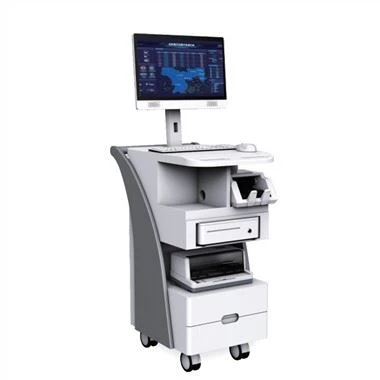
1. The touch screen technology of industrial computer, in fact, is to use it to draw the picture, and realize the functions of display/input/output/storage/alarm in the picture.
In industrial applications, the touch screen is equivalent to an intelligent device that can display and communicate with PLC (to achieve various functions). It also has memory and programming capabilities. Specifically, for example, a button can be drawn on it to replace the actual button to realize on-off control; a data input button can be drawn on it, and data can be input to the register in the PLC; the operating status of the plc can be displayed on it, such as the on-off of x, y It can be indicated by the lights on and off, and it can also display the number of processed workpieces, production line speed, motor current, etc. in real time; some brands and models also have many functions, such as the ability to directly create a recipe table and store it in the touch screen instead of the PLC. Hold on.
Different brands of touch screens have different programming methods. They are compiled with VB and directly with software. More powerful than the touch screen is the industrial computer. The difference is that the industrial computer relies on mouse and keyboard input, while the touch screen relies on clicking on the screen for input, and there is the price. It is not too late to learn the touch screen programming of this brand when you use it, and it is basically not difficult.
2. Explain the meaning of these combinations of KnX, KnY, KnM, etc.
First let me introduce,
Bit devices: only devices that handle ON/OFF states, such as X.Y.M.X
Word devices: components that process digital data, such as T.C.V.D.Z, etc.
But for bit soft components, the combination of Kn plus the first component number can also process digital soft components to form word soft components. The 4 bits of the bit device are grouped together to form a unit.
K1: 4 bits, K2: 8 bits, K3: 12 bits, K4: 16 bits
For example, K1X0 represents the 4-bit data of X3 to X0, and K3M13 represents the 12-bit data of M24 to M13. Note that when representing data, X3/M24 is the higher bit of the data, and in turn, X0/M13 is the lower bit. This should be paid special attention to when applying external wiring.
In the practical application of the industrial computer K1X0, the four input point signals of external access are combined into a 4-bit data. If X0 is connected, X1, X2, X3 are not connected, then K1X0 in PLC is 0001.
Then the difference between them and X, Y and Z is easy to understand.